
What Is Materials Cursor?
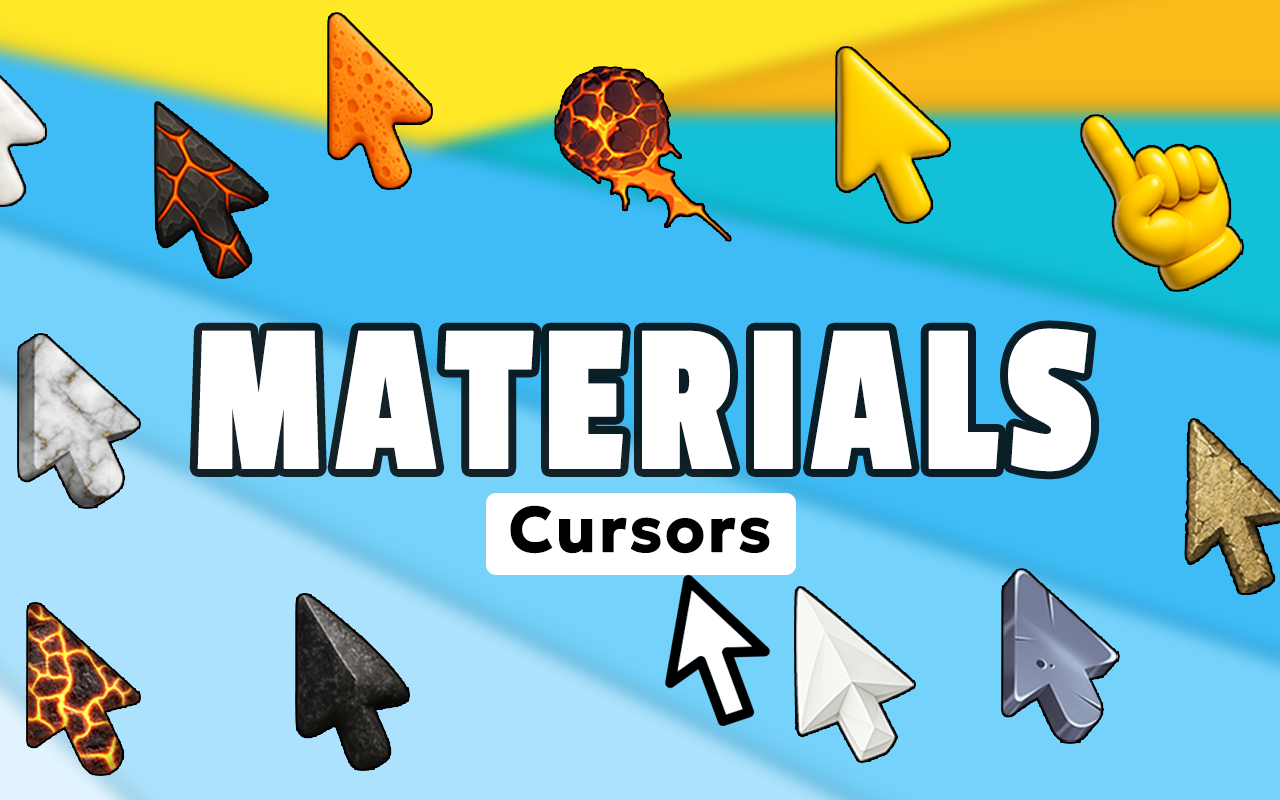
The Materials Cursor for Chrome is a browser extension that replaces your standard mouse pointer with richly detailed, texture-based cursor designs inspired by real-world surfaces. Whether you appreciate the warmth of oak wood grain, the cool sheen of brushed steel, or the elegance of polished marble, this extension brings those tactile aesthetics directly into your daily browsing experience. It is built for designers, architects, 3D artists, and anyone who has a genuine appreciation for the visual qualities of natural and manufactured materials.
Key Features of Materials Cursor
Extensive Texture Cursor Library
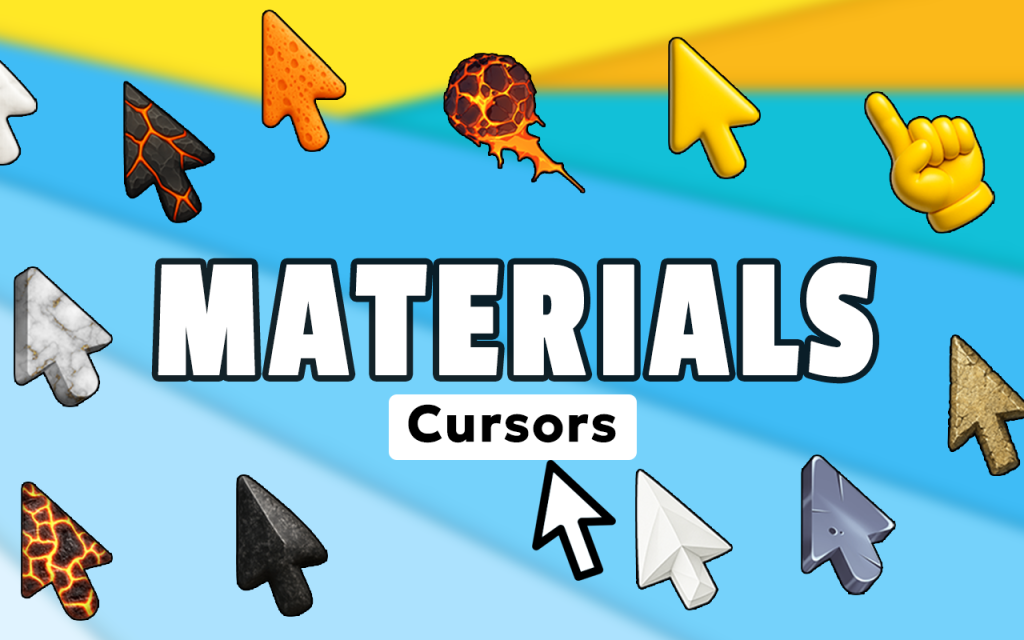
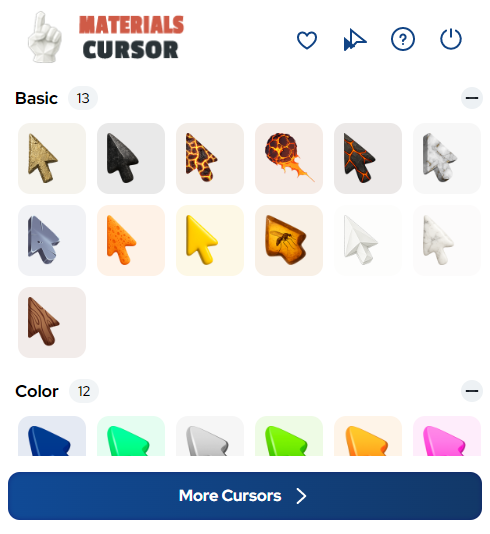
The extension provides access to a wide-ranging collection of cursor designs drawn from real material categories. You will find wood varieties such as oak, walnut, and mahogany; metals including brushed steel, copper, gold, and aluminum; stone finishes like marble, granite, and slate; and specialty surfaces such as leather, woven fabric, concrete, glass, and carbon fiber. New material types cover both natural and industrial origins, giving you genuine variety in aesthetic choices.
Ultra-Realistic Surface Graphics
Each cursor design is rendered with high-resolution detail, accurately capturing the grain patterns, color gradients, light reflections, and surface imperfections that define real materials. The goal is not just visual decoration but an authentic representation of how each surface actually looks and behaves under light. This level of detail makes the extension particularly valuable for designers who think critically about surface aesthetics.
Adjustable Cursor Size
A built-in size slider lets you scale your cursor up or down depending on your screen resolution, display size, or personal preference. Larger sizes make texture details more visible and easier to appreciate, while smaller sizes keep the pointer unobtrusive during focused work. The control is simple and takes effect instantly without requiring a browser restart.
Favorites System for Quick Switching
You can save any cursor design to a personal favorites list for fast retrieval later. This is especially useful if you switch between projects that call for different aesthetic moods, or if you simply want to rotate through a curated set of material styles without scrolling through the full library every time. Your saved selections persist across browsing sessions.
Zero Performance Impact
The extension is optimized to handle texture rendering efficiently, so it does not slow down your browser or compete with other active tabs for system resources. Rich visual assets are loaded intelligently, ensuring smooth cursor movement even on pages with heavy content. You get a premium visual experience without sacrificing browser speed or responsiveness.
Easy On/Off Toggle
When you need a distraction-free environment or want to revert to your default system cursor temporarily, you can disable the extension with a single click from the Chrome toolbar. Switching back is equally fast, making it practical for professional workflows where context changes frequently.
How to Install Materials Cursor
- Open the Chrome Web Store and search for Materials Cursor.
- Click the Add to Chrome button on the extension listing page.
- Confirm the installation prompt when the browser asks for permission.
- Once installed, click the Materials Cursor icon in your Chrome toolbar to open the interface.
- Browse the material categories and click on any texture design to activate it as your cursor.
- Use the size slider to adjust the cursor to your preferred scale.
- Optionally, save your favorite designs using the favorites feature for quick future access.
Why Designers and Texture Enthusiasts Love It
Creative professionals spend their days evaluating surfaces, finishes, and material palettes. Having a cursor that reflects that same sensibility makes the browser feel like a more native part of a design-oriented workflow. Interior decorators can set a stone or wood cursor while browsing finish catalogues. 3D artists can use metal or carbon fiber designs while referencing texture libraries. Even casual users who simply love the aesthetics of natural materials find genuine satisfaction in seeing a beautifully rendered surface follow their every mouse movement. It is a small detail that makes the browsing environment feel more intentional and personal.
Screenshots
Frequently Asked Questions
Does Materials Cursor work on all websites?
The cursor replacement works across the vast majority of websites you visit in Chrome. Certain browser-restricted pages, such as the Chrome settings panel or the Web Store itself, may not display the custom cursor due to browser security policies, but standard web pages are fully supported.
Will the extension slow down my browser?
No. The extension is built with performance efficiency in mind. Texture assets are optimized for minimal memory usage, and the rendering process does not create noticeable lag or affect page load times during normal use.
Can I use multiple cursor styles at different times?
Yes. You can switch between any cursor in the library at any time, and the favorites feature makes it easy to maintain a shortlist of your preferred designs for rapid switching without navigating the full collection each time.
Is the extension free to use?
The core extension and its cursor library are available to install from the Chrome Web Store. Check the listing page for the most current information on available features and any optional upgrades.
Does it work on Windows and Mac?
Yes. Because the extension runs inside the Chrome browser, it functions on any operating system that supports Chrome, including Windows, macOS, and ChromeOS, without requiring any platform-specific configuration.
If you want to bring genuine material aesthetics into your everyday browsing, the Materials Cursor extension is a straightforward and visually rewarding way to do it. Search for it in the Chrome Web Store and start exploring the full texture library today.





