
What Is the Mickey Mouse Cursor Extension?
The Mickey Mouse cursor for Chrome is a browser extension that replaces your default mouse pointer with iconic Disney-themed cursor designs. From the earliest Steamboat Willie era to modern Mickey moments, this extension brings the charm of Walt Disney’s most beloved character to every click, scroll, and hover across your browser. Whether you’re a lifelong Disney fan or a casual admirer of classic animation, this tool adds a playful and nostalgic touch to your everyday browsing experience.
Key Features of the Mickey Mouse Cursor Extension
Complete Disney Character Cursor Collection
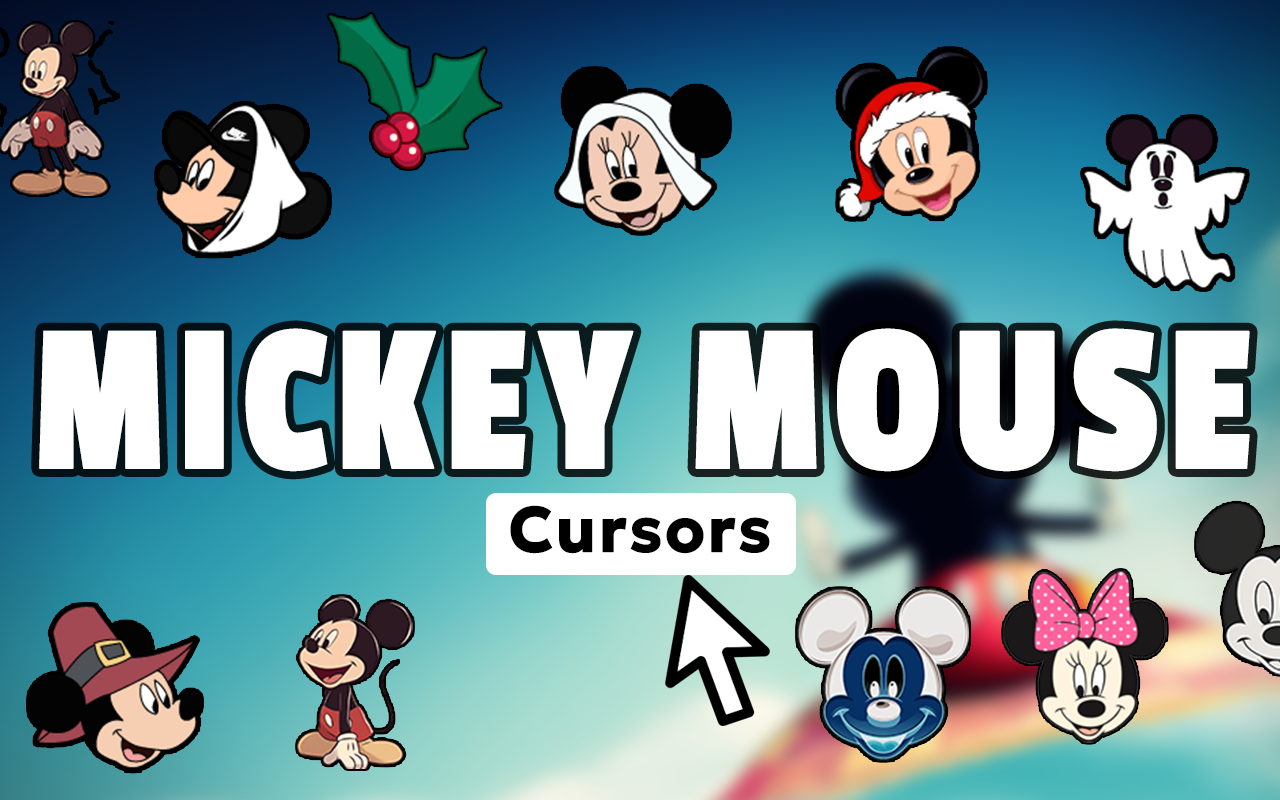
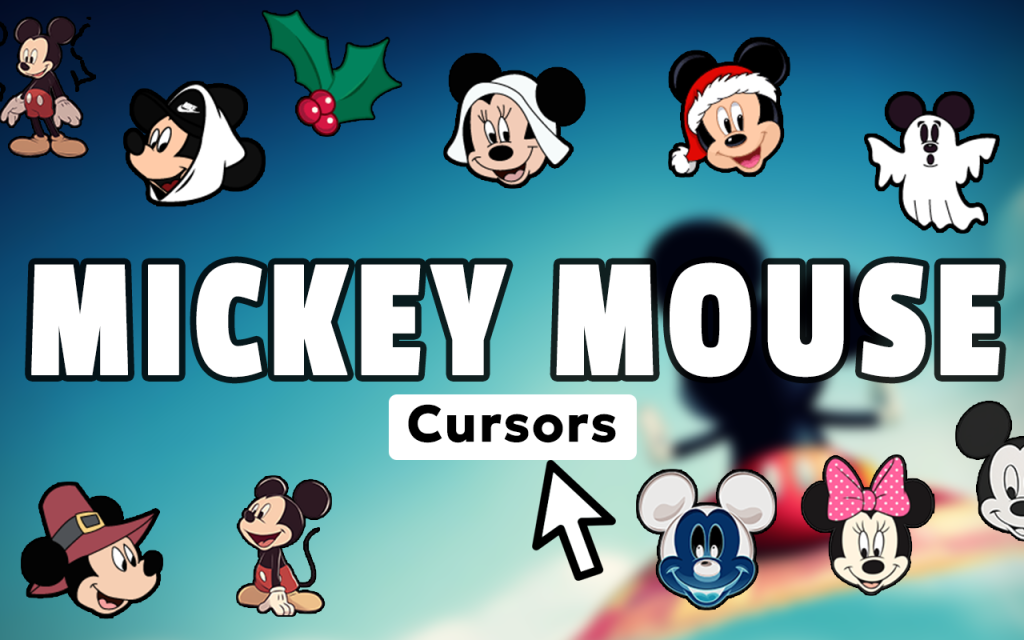
The extension includes a wide variety of cursor designs featuring Mickey Mouse in classic poses, Minnie Mouse with her signature polka-dot bow, Donald Duck, Goofy, and Pluto. Beyond the main characters, you’ll also find Mickey’s iconic white gloves, mouse ears, magic wands, and vintage cartoon-style elements that span nearly a century of Disney history. There’s something for every type of Disney fan, from theme park enthusiasts to animation collectors.
High-Quality Cursor Graphics
Each cursor is crafted with sharp, detailed artwork that looks crisp on all screen sizes and display resolutions. The designs honor Mickey’s visual evolution while keeping the classic silhouette and charm that has made him recognizable worldwide. You won’t find pixelated or blurry pointers here — every design is polished and purpose-built for on-screen use.
Adjustable Cursor Size
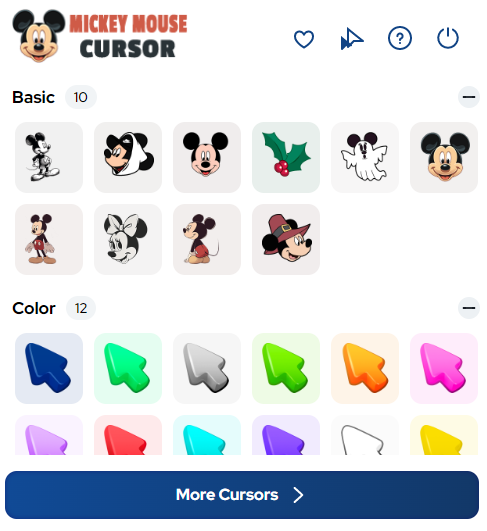
A built-in size slider lets you scale your cursor up or down to match your preference and comfort level. Whether you prefer a subtle, small pointer or a bold, large cursor that stands out on screen, the adjustment takes just a second. This is especially useful on larger monitors or high-resolution displays where a standard-sized cursor can feel too small.
Favorites System for Quick Access
Save your preferred Mickey or Disney character cursors to a personal favorites list for instant one-click switching. This feature is ideal if you like rotating between different Disney characters or seasonal themes without browsing the full collection each time. It keeps your most-loved designs just a tap away.
Lightweight with Zero Browser Slowdown
The extension is built to be minimal in terms of resource usage, so it won’t drag down your browser speed or interfere with other tabs and extensions. It runs quietly in the background, doing exactly one job — keeping your cursor magical — without eating up memory or CPU. You get the Disney experience without any technical trade-offs.
Easy On/Off Toggle
Switch the extension on or off instantly from the Chrome toolbar without uninstalling or adjusting any settings. This is useful when you need a standard cursor for work tasks or presentations and want to flip back to Mickey mode the moment you’re done. The toggle is simple, fast, and reliable.
How to Install the Mickey Mouse Cursor Extension
- Open the Chrome Web Store and search for “Mickey Mouse Cursor.”
- Click the extension listing and select “Add to Chrome.”
- Confirm the installation when prompted by your browser.
- Once installed, click the Mickey Mouse Cursor icon in your Chrome toolbar.
- Browse the cursor collection and select a design you love.
- Use the size slider to adjust the cursor to your preferred dimensions.
- Start browsing — your Disney cursor is now active on every page.
Why Disney Fans Love This Cursor Extension
Disney fans use this extension because it turns an overlooked part of the browser — the cursor — into a small but meaningful expression of their passion. For people who grew up watching Mickey Mouse cartoons, planning trips to Disneyland, or collecting Disney memorabilia, having Mickey’s image follow every mouse movement feels personal and joyful. It’s also a great conversation starter during screen shares or virtual hangouts. Teachers, content creators, and Disney community members have all found creative ways to incorporate this extension into their digital routines. It’s not just a novelty — for true fans, it’s a daily reminder of the stories and characters that shaped their love of animation and storytelling.
Screenshots
Frequently Asked Questions
Does this extension work on all websites?
Yes, the Mickey Mouse cursor is active across all standard web pages you visit in Chrome. A small number of browser system pages may revert to the default pointer, but on the vast majority of sites, your Disney cursor will display correctly.
Will this extension slow down my browser?
No. The extension is designed to be extremely lightweight and has no noticeable impact on browser performance, page load times, or memory usage. It runs efficiently in the background without interfering with your other tabs or extensions.
Can I switch back to my normal cursor at any time?
Absolutely. The extension includes a simple toggle in the toolbar popup that lets you instantly disable the custom cursor and return to your default system pointer. You can re-enable it just as quickly whenever you want.
Are there cursor designs for other Disney characters besides Mickey?
Yes. The collection includes designs for Minnie Mouse, Donald Duck, Goofy, Pluto, and various Disney-themed symbols and icons. The library covers a broad range of classic Disney imagery beyond just Mickey himself.
Is this extension free to use?
The extension is available to install and use with a solid selection of free cursor designs included. You can start enjoying Disney-themed browsing right away after installation.
If you’re ready to add a touch of Disney magic to your browser, the Mickey Mouse cursor extension is a simple, fun, and beautifully designed way to do it. Install it today and let every click feel a little more magical.





