
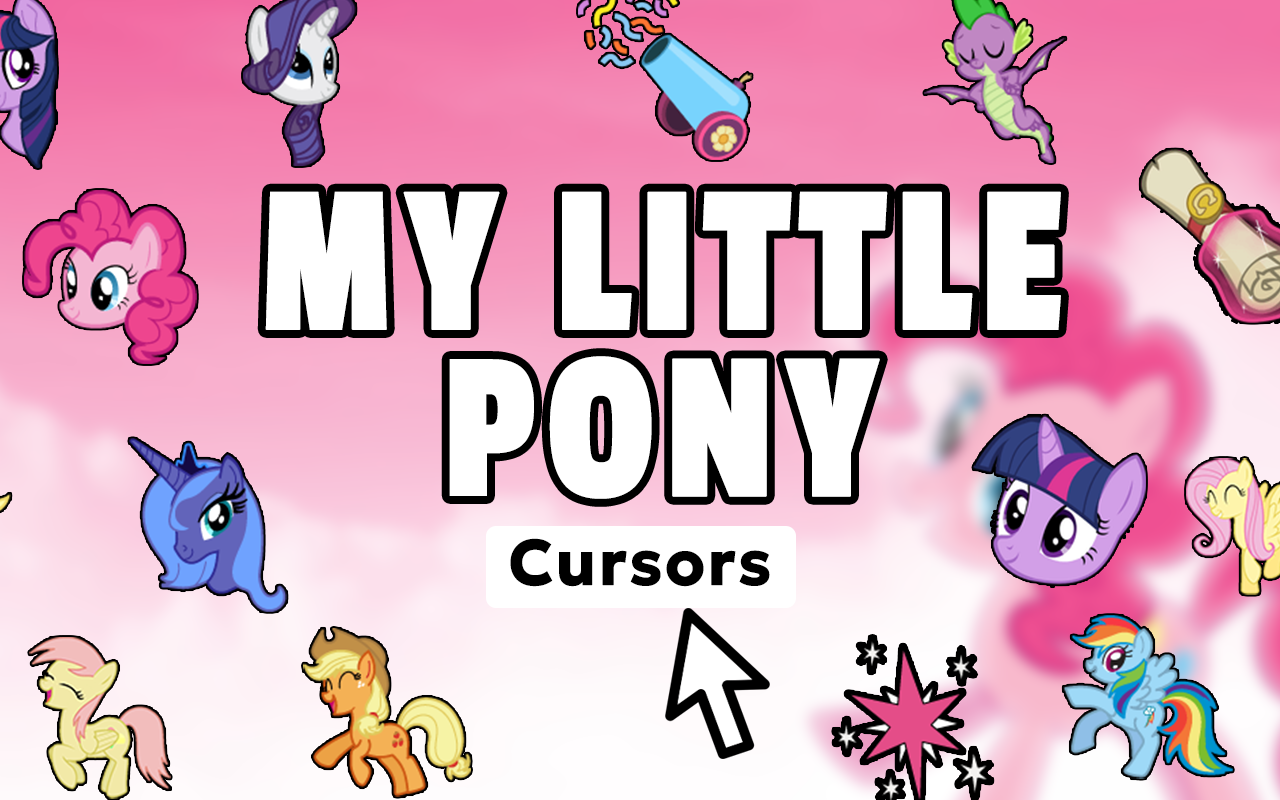
What Is the My Little Pony Cursor Extension?
The My Little Pony cursor is a free Chrome extension that replaces your standard mouse pointer with colorful, character-themed designs straight from Equestria. Whether you are a lifelong fan of the original series or grew up watching My Little Pony: Friendship is Magic, this extension brings the charm of Twilight Sparkle, Rainbow Dash, Pinkie Pie, and the rest of the Mane Six directly to your browser. Every click and scroll becomes a small celebration of the show’s most iconic characters, cutie marks, and magical symbols.
Key Features of the My Little Pony Cursor
Full Mane Six Character Collection
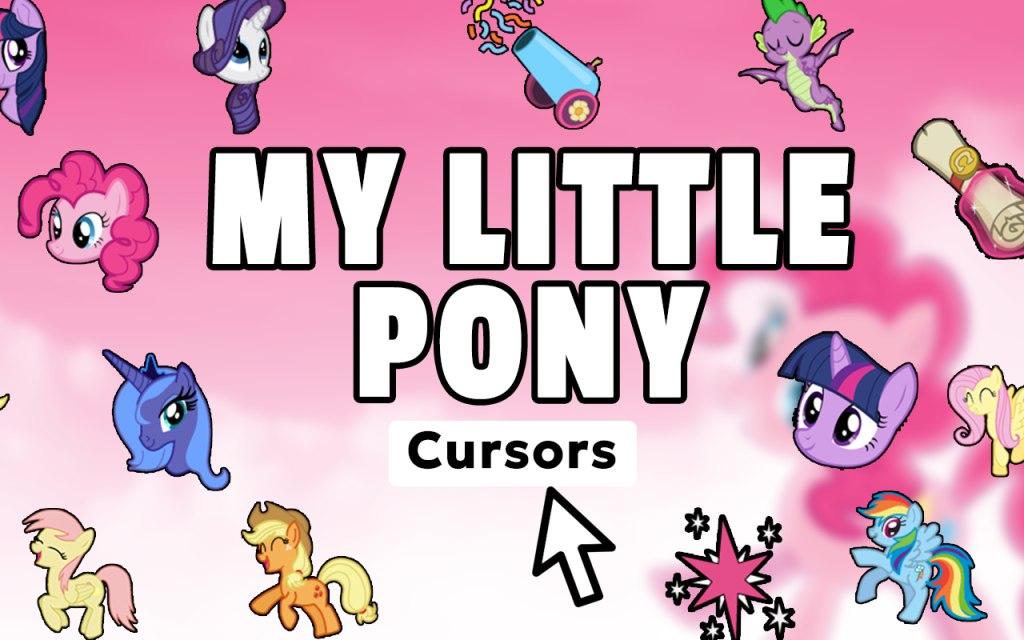
The extension includes cursor designs for all six main characters — Twilight Sparkle, Rainbow Dash, Pinkie Pie, Fluttershy, Rarity, and Applejack. You also get options featuring Princess Celestia, Princess Luna, Spike, Discord, and a range of iconic elements like the Elements of Harmony and Ponyville scenery. This wide selection means fans can switch between their favorite pony depending on their mood.
Authentic Friendship is Magic Art Style
Each cursor is designed to match the vibrant, expressive visual style of the animated series. The colors are bold, the character expressions are true to the show, and the overall look feels consistent whether you are browsing fan wikis, watching episodes, or chatting in community forums. No blurry or off-brand designs — just clean, recognizable pony artwork on your pointer.
Adjustable Cursor Size
Not every screen or viewing distance is the same, which is why the extension lets you resize the cursor to your preference. A simple slider in the extension menu controls the dimensions, so you can go larger for visibility or keep it compact for precise clicking. This makes the cursor comfortable whether you are on a large monitor or a smaller laptop display.
Favorites System for Quick Switching
If you have a few go-to designs you rotate between, the favorites feature saves them in one place for instant access. Instead of scrolling through the full collection every time, you can bookmark your top picks and switch between Rainbow Dash and Fluttershy in seconds. It is a small quality-of-life detail that makes the extension genuinely practical for daily use.
Lightweight with Zero Browser Slowdown
Some cursor extensions bog down browser performance, but this one is built to stay out of the way. It runs quietly in the background without consuming extra memory or slowing down page loading. You get all the visual fun of a custom cursor without any trade-off in speed or stability.
Easy On/Off Toggle
There are moments when you need a standard cursor — presentations, work calls, or just a change of pace. The extension includes a simple toggle that lets you switch back to your default pointer instantly. No need to uninstall or dig through settings; one click handles it.
How to Install the My Little Pony Cursor
- Search for the My Little Pony Cursor extension in the Chrome Web Store.
- Click the “Add to Chrome” button on the extension page.
- Confirm the installation when prompted by your browser.
- Once installed, click the My Little Pony Cursor icon in your Chrome toolbar.
- Browse the character and design collection to find your favorite cursor.
- Use the size slider to adjust the cursor dimensions to your liking.
- Start browsing — your new pony cursor is now active.
Why MLP Fans and Bronies Love This Extension
This extension has found a loyal following among Bronies, Pegasisters, and general animation fans because it does exactly what it promises without overcomplicating things. The design library is broad enough to satisfy collectors who want every character represented, while the simple interface means new users do not need a tutorial to get started. It fits naturally into the daily browsing routines of fans who are already visiting fan art sites, rewatching episodes, or participating in My Little Pony communities. More than just a cosmetic change, it is a small, persistent way to keep a beloved show present in everyday life. The toggle and favorites features show that the developers actually thought about how people use cursor extensions over time, not just on day one.
Screenshots

Frequently Asked Questions
Does this cursor extension work on all websites?
The My Little Pony cursor works on the vast majority of websites you visit in Chrome. A small number of browser pages, such as the Chrome settings menu or the Web Store itself, do not support custom cursors due to browser restrictions, but standard websites display the pony designs without issues.
Can I use multiple cursor designs at the same time?
You can only have one active cursor at a time, but switching between designs is quick and easy through the extension panel. The favorites system makes it especially convenient to rotate through your preferred characters without searching the full library each time.
Will this extension affect my browser speed?
No. The extension is built to be lightweight and has no measurable impact on browser performance or page load times. It runs passively in the background and does not interfere with other extensions or tabs.
Is the My Little Pony cursor extension free to use?
Yes, the extension is completely free to install and use. There are no subscription fees, locked content behind paywalls, or in-app purchases required to access the character cursor designs.
Does it work on Chrome for Windows and Mac?
Yes, since it is a Chrome extension, it works on any desktop or laptop running Google Chrome, regardless of whether your operating system is Windows, macOS, or Linux.
If you are ready to add a touch of Equestrian magic to your everyday browsing, the My Little Pony cursor extension is waiting for you in the Chrome Web Store. Install it today and let every click reflect the magic of friendship.






buena