
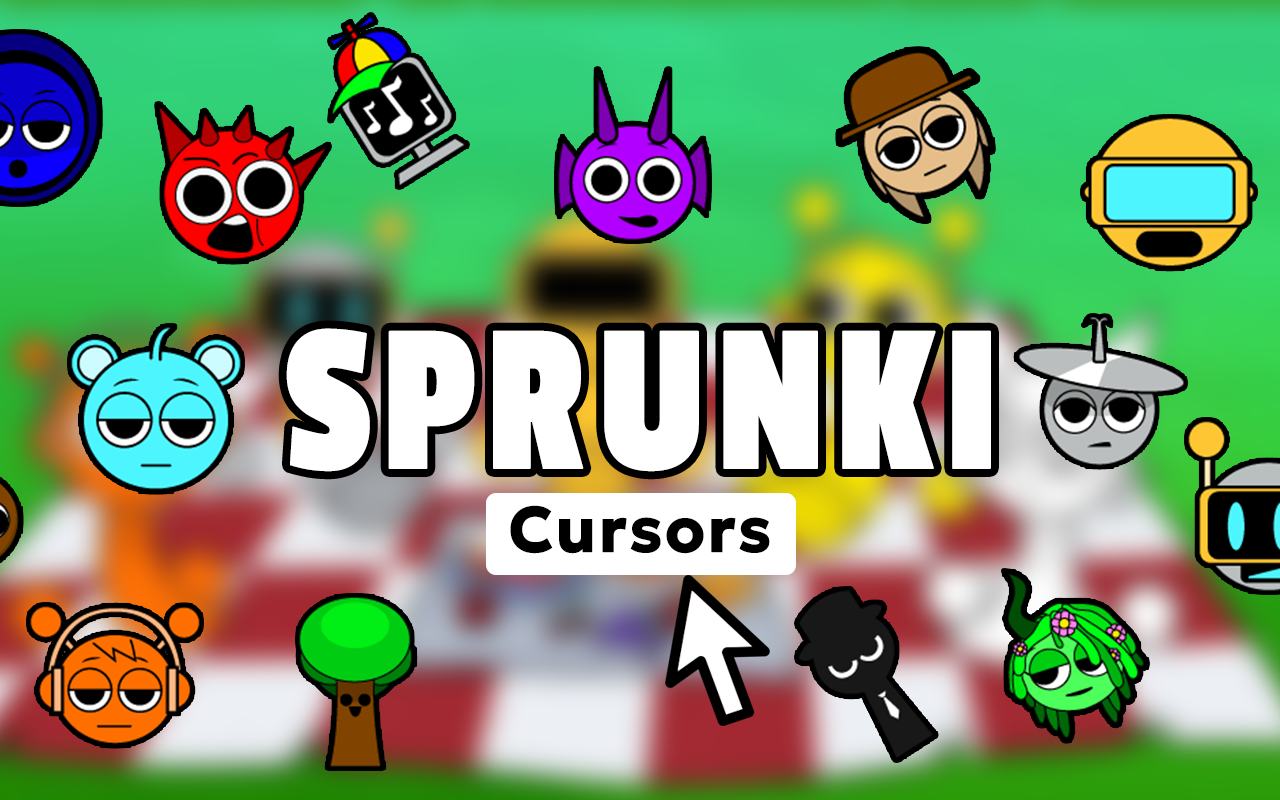
The Sprunki cursor for Chrome brings the colorful, beat-driven world of the viral Incredibox mod directly to your mouse pointer. Whether you are deep into mixing tracks, watching gameplay videos, or just browsing the web, this extension replaces your default cursor with expressive Sprunki character designs, sound icons, horror mode elements, and phase symbols that fans instantly recognize.

What Is Sprunki Cursor?
Sprunki Cursor is a Chrome browser extension that lets you swap your standard mouse pointer for custom cursors inspired by the popular Sprunki mod for Incredibox. The mod gained a massive following thanks to its unique blend of accessible music creation and unexpected dark twists across multiple phases. This extension captures that spirit by offering a curated collection of cursor designs featuring beloved characters, beat symbols, and iconic moments from the game. It is a lightweight, easy-to-use tool built specifically for fans who want to carry that creative energy into everyday browsing.
Key Features of the Sprunki Cursor Extension
Complete Sprunki Character Collection
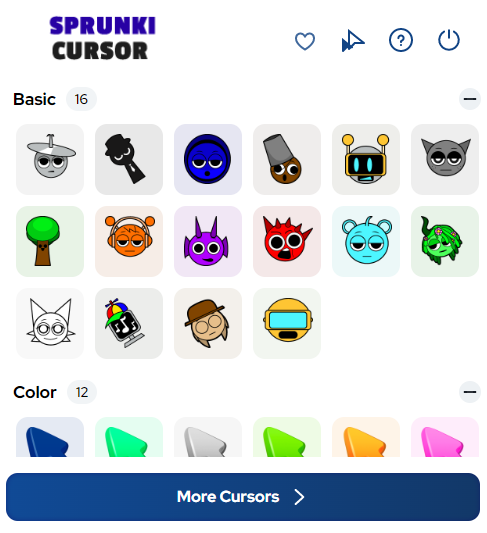
The extension includes cursor designs featuring a wide roster of Sprunki characters including Oren, Clukr, Garnold, Vineria, Gray, Brud, Fun Bot, and many more. Beyond characters, you also get sound icons representing beats, melodies, vocals, and effects, along with phase indicators and horror mode variants that reflect the full depth of the Sprunki universe.
Vibrant and Accurate Artwork
Each cursor is rendered in crisp, high-resolution graphics that stay true to the distinctive art style players love about Sprunki. The designs are colorful, clean, and immediately recognizable, so your cursor always feels like a natural extension of the game rather than a generic novelty.
Adjustable Cursor Size
A built-in size slider lets you scale your cursor up or down to suit your display and personal comfort. Whether you prefer a subtle pointer or a bold statement piece on a large monitor, you can dial in exactly the right dimensions without any complicated settings.
Favorites System
You can mark your preferred cursor designs as favorites for fast access whenever you want to switch things up. This is especially useful if you cycle through different characters depending on your mood or the phase of Sprunki content you are currently enjoying.
Zero Performance Impact
The extension is engineered to be lightweight so it does not slow down your browser or interrupt your workflow. You get a fully customized cursor experience without any noticeable drain on system resources, even while running other tabs or extensions simultaneously.
Easy Toggle On and Off
A single click on the extension icon lets you switch between your Sprunki cursor and your default system pointer instantly. This makes it simple to switch contexts without having to uninstall or reconfigure anything.
How to Install the Sprunki Cursor Extension
- Open the Chrome Web Store and search for Sprunki Cursor.
- Click the Add to Chrome button and confirm the installation prompt.
- Once installed, click the Sprunki Cursor icon in your Chrome toolbar to open the extension panel.
- Browse the full collection and select a character or design you want as your active cursor.
- Use the size slider to adjust the cursor dimensions to your preference.
- Start browsing and enjoy your new beat-inspired pointer on every page you visit.
Why Sprunki and Incredibox Fans Love This Extension
Sprunki built its fanbase by making music creation feel playful, surprising, and deeply personal. Players do not just listen to the game — they express themselves through it. This cursor extension taps into that same energy by letting fans bring a piece of Sprunki into a space they use every day: their browser. It is a small but meaningful way to stay connected to a creative community, and it gives longtime fans a fun conversation starter whenever someone notices an unusual cursor on screen. For anyone who has spent hours mixing phases or hunting for horror mode secrets, seeing those familiar characters follow the mouse around just feels right.
Screenshots
Frequently Asked Questions
Does the Sprunki Cursor extension work on all websites?
The cursor works across most standard web pages in Chrome. Some browser-level pages such as the Chrome settings screen or the new tab page may not support custom cursors due to browser restrictions, but the extension functions normally on virtually all regular websites.
Will this extension slow down my browser?
No. The extension is designed to have a minimal footprint. It runs efficiently in the background and has no meaningful impact on browser speed or memory usage during normal browsing sessions.
Can I use multiple cursor designs or only one at a time?
You can only have one active cursor at a time, but switching between designs is quick and easy. The favorites system makes it simple to jump between your most-used options without scrolling through the entire collection each time.
Is the Sprunki Cursor extension free to use?
Yes, the extension is free to install and use. You get access to the full collection of Sprunki cursor designs without any paywalls or subscription requirements.
Does the extension include horror mode cursor designs?
Yes. The collection includes both standard and horror mode cursor variants, so fans of the darker phases of Sprunki can find designs that match that aesthetic alongside the brighter, more colorful options.
If you are a Sprunki fan who wants to carry a bit of that beat-making magic into everyday browsing, this cursor extension is a simple and satisfying way to do it. Install it today and let every click reflect your love for one of the most creative mods in the Incredibox community.





