
What Is the Terraria Cursor Extension?
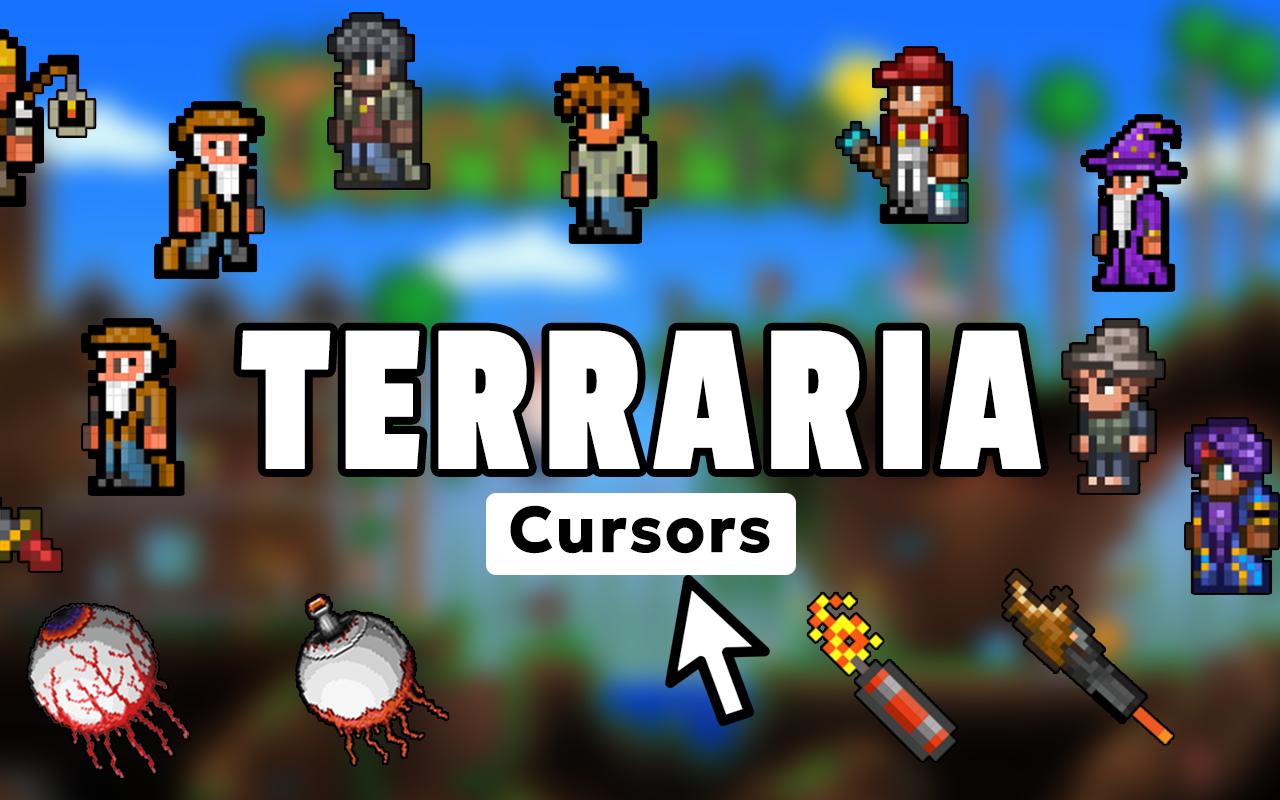
The Terraria cursor for Chrome is a browser extension that replaces your default mouse pointer with pixel art designs inspired by Re-Logic’s legendary 2D sandbox game. Whether you’re browsing Terraria wikis, watching boss fight tutorials, or just surfing the web, every click becomes a nod to one of the most celebrated indie games ever made. The extension brings the iconic 16-bit art style of Terraria directly into your daily browsing experience without slowing down your browser or requiring any complicated setup.
Key Features of the Terraria Cursor Extension
Complete Terraria Cursor Collection
The extension includes a wide-ranging library of cursor designs pulled from across the entire Terraria universe. You’ll find iconic weapons like the Terra Blade, Zenith, and Star Wrath alongside essential tools like pickaxes and hammers, plus bosses including the Eye of Cthulhu, Skeletron, Wall of Flesh, and Moon Lord — giving every type of Terraria fan something to love.
Authentic Pixel Art Style
Every cursor is crafted to match Terraria’s distinctive 16-bit sprite aesthetic, so the designs feel right at home whether you’re a longtime fan or new to the game. The crisp retro graphics preserve the charm and visual personality that has made Terraria’s art style iconic in the world of indie gaming for over a decade.
Adjustable Cursor Size
A built-in size slider lets you scale the cursor to your preferred dimensions for comfortable everyday use. Whether you want a subtle pointer or a larger display piece that shows off your favorite in-game item, the adjustment is quick and easy to change at any time.
Favorites System
Save your most-used Terraria cursor designs to a favorites list so you can switch between them instantly without scrolling through the full collection. This is especially useful if you like rotating between different themes — such as swapping from a weapon cursor during gaming sessions to a boss design for casual browsing.
Zero Performance Impact
The extension is built to be lightweight, meaning it runs quietly in the background without consuming noticeable memory or CPU resources. Your browser stays fast and responsive whether you have a single tab open or dozens running at once.
Easy Toggle On and Off
A one-click toggle lets you switch between your Terraria cursor and your default system pointer whenever you need to. This makes it convenient for situations where you want a standard cursor — such as during work tasks or video calls — without having to uninstall or reconfigure anything.
How to Install the Terraria Cursor Extension
- Open the Chrome Web Store and search for “Terraria Cursor.”
- Click the extension listing and select “Add to Chrome.”
- Confirm the installation prompt to add it to your browser.
- Click the Terraria Cursor icon in your Chrome toolbar to open the extension panel.
- Browse the collection and click any design to set it as your active cursor.
- Use the size slider to adjust the cursor to your preferred scale.
- Use the favorites feature to save designs you plan to use regularly.
Why Terraria Fans Love This Cursor Extension
Terraria has built one of the most dedicated fan communities in gaming, and this extension gives players a low-key but meaningful way to keep that passion visible during everyday browsing. Instead of a generic arrow pointer, you can browse with the Zenith sword, a Moon Lord eye, or your favorite NPC following your every move across the screen. It’s a small detail that makes a noticeable difference for anyone who has sunk hours into building, exploring, and fighting through Terraria’s many biomes and boss encounters. The extension is also a great conversation starter when screen-sharing with fellow fans who immediately recognize the sprites.
Screenshots
Frequently Asked Questions
Does the Terraria cursor work on all websites?
The cursor works on most standard websites you visit in Chrome. There may be occasional exceptions on certain browser pages like the Chrome settings screen or the Web Store itself, where custom cursors are restricted by the browser.
Will this extension slow down my browser?
No. The extension is designed to be lightweight and has minimal impact on browser performance. It runs efficiently in the background and does not interfere with page loading speeds or memory usage.
Can I use multiple cursor designs?
Yes — you can switch between any cursor in the collection at any time. The favorites system makes it easy to save and quickly access your preferred designs without browsing through the full library each time.
Do I need a Terraria game account to use this extension?
No account or game ownership is required. The extension is completely standalone and works independently of the Terraria game client or any Re-Logic services.
Is the extension free to use?
The core extension and its cursor collection are available to use directly after installation without any mandatory purchase or subscription.
If you’re a Terraria fan looking to bring a bit of that pixelated adventure into your browser, this cursor extension is a simple and satisfying way to do it. Install it today and let your mouse pointer reflect your love for one of indie gaming’s greatest achievements.





