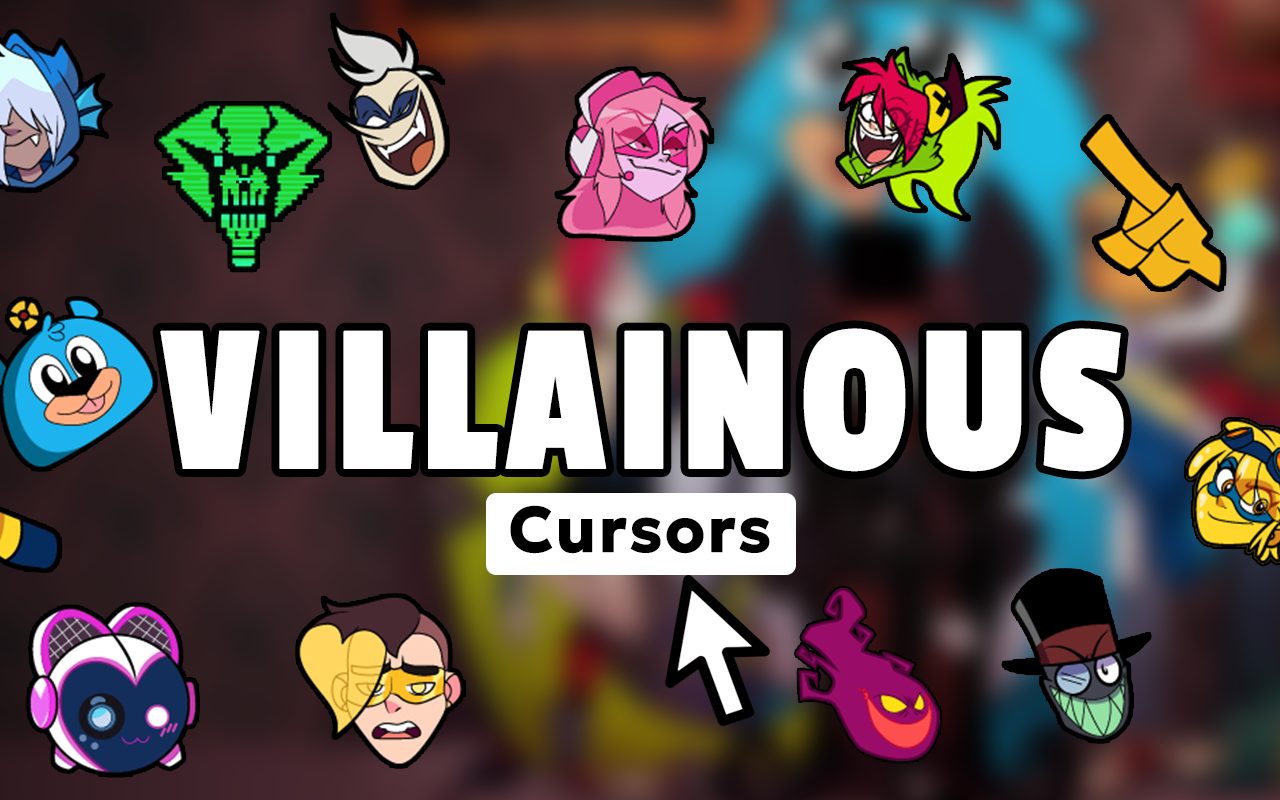
The Villainous Cursor for Chrome lets fans of the acclaimed Mexican-American animated series replace their default mouse pointer with iconic characters and elements from the show. Whether you love Black Hat’s ruthless scheming, Dr. Flug’s anxious genius, or the chaotic energy of Demencia, this extension puts the entire cast right at your fingertip. It’s a simple, lightweight way to bring the world of villain-focused storytelling and dark comedy into your everyday browsing.
What Is the Villainous Cursor Extension?
The Villainous Cursor extension is a free Chrome browser add-on that replaces your standard mouse pointer with custom-designed cursors based on the Cartoon Network animated series Villainous. Created by Alan Ituriel, the show follows Black Hat Organization — a group of villains selling evil products to supervillains worldwide. This extension captures that distinctive angular art style and dark comedy aesthetic, giving fans a fun and personalized way to celebrate the series while browsing the web.
Key Features
Complete Villainous Character Collection
The extension includes cursor designs featuring every major character from the series — Black Hat, Dr. Flug, Demencia, and 5.0.5. — as well as villain clients, evil inventions, and iconic moments from the show. New and returning fans alike will find designs that match their favorite parts of the series.
Distinctive Gothic Art Style
Each cursor is crafted to reflect the show’s unique visual identity, with sharp lines, bold colors, and that unmistakable villainous aesthetic. The designs stay true to the original character artwork, so every cursor feels like it belongs in the Black Hat Organization catalog.
Adjustable Cursor Size
Not everyone wants the same size pointer, and this extension accounts for that. Use the built-in size slider to scale your cursor up or down until it feels comfortable for your screen and browsing habits.
Favorites System
With so many cursor options available, finding your go-to design every time can get tedious. The favorites system lets you save the cursors you use most often so you can switch between them instantly without scrolling through the full collection.
Zero Performance Impact
The extension is built to be lightweight and efficient, meaning it won’t slow down your browser or interfere with your regular browsing experience. It runs quietly in the background, only becoming visible through your stylish new cursor.
Easy Toggle On and Off
Need to switch back to your default cursor temporarily? The on/off toggle in the extension toolbar makes it effortless. One click activates the Villainous theme, and one click brings your standard pointer back whenever you need it.
How to Install the Villainous Cursor
- Search for the Villainous Cursor extension in the Chrome Web Store.
- Click “Add to Chrome” and confirm the installation when prompted.
- Once installed, click the Villainous Cursor icon in your Chrome toolbar to open the extension panel.
- Browse the full collection of character and themed cursor designs.
- Click on any design to set it as your active cursor immediately.
- Use the size slider to adjust the cursor to your preferred dimensions.
- Save your favorite designs using the favorites feature for quick access later.
Why Villainous Fans Love It
Fans of the series appreciate this extension because it goes beyond a simple novelty. The cursor designs are accurate to the show’s art style, which matters to a community that takes its animation seriously. It’s also a low-effort way to show off your love for the series without changing anything about how you actually use your browser. For those who spend a lot of time online discussing fan theories, creating art, or watching episodes, having a Villainous-themed cursor adds a personal touch to the experience. The extension has found a following among dark comedy cartoon lovers and viewers who appreciate stories told from the villain’s perspective — a crowd that knows exactly what they want and tends to be passionate about it.
Screenshots
Frequently Asked Questions
Does this extension work on all websites?
The Villainous Cursor works on most standard web pages in Chrome. There are a small number of browser pages, like the Chrome settings screen, where custom cursors cannot be applied due to browser restrictions.
Is the Villainous Cursor extension free to use?
Yes, the extension is free to install and use. The full cursor collection is accessible without any subscription or payment.
Will using this extension slow down my browser?
No. The extension is designed to have minimal impact on browser performance. Most users notice no difference in loading speed or responsiveness after installing it.
Can I use multiple cursor designs or switch between them?
Absolutely. You can browse the entire collection and switch between designs at any time through the extension panel. The favorites system makes it easy to keep your preferred cursors within quick reach.
Is this an official Cartoon Network or Villainous product?
This is a fan-made extension created for entertainment purposes. It is not officially affiliated with Cartoon Network, Alan Ituriel, or any rights holders associated with the Villainous series.
If you’re a fan of dark comedy animation and villain-centered storytelling, the Villainous Cursor for Chrome is one of the easiest ways to carry that passion into your browser. Install it today and let every click reflect your allegiance to the Black Hat Organization.