
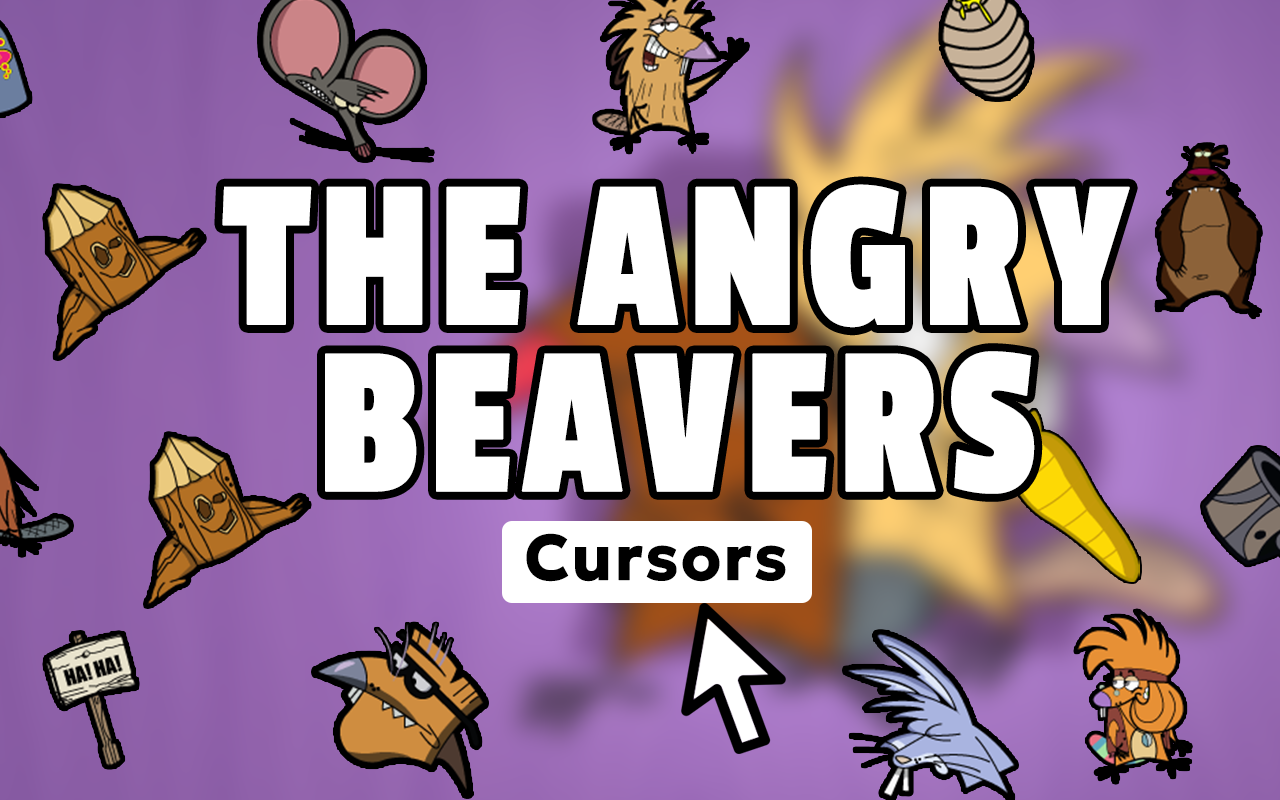
What Is The Angry Beavers Cursor?
The Angry Beavers Cursor is a Chrome browser extension that replaces your default mouse pointer with custom cursor designs inspired by the classic 90s Nickelodeon animated series. Whether you grew up watching Daggett and Norbert argue over their dam or you’re rediscovering the show’s absurdist humor today, this extension lets you bring that beloved Nicktoons energy to every page you browse. The Angry Beavers Cursor features a full collection of hand-crafted designs drawn from all four seasons of Mitch Schauer’s iconic cartoon, making it the perfect tribute for any fan of the golden era of Nickelodeon animation.
Key Features of The Angry Beavers Cursor Extension
Complete Angry Beavers Cursor Collection
The extension includes a wide range of cursor designs pulled straight from the world of the show. You’ll find cursors featuring Daggett, Norbert, their cozy dam home, Treeflower, Stump, woodland creatures, logs, tools, contraptions, and nods to Muscular Beaver — covering the full visual universe fans know and love.
Authentic 90s Animation Style
Every cursor design is crafted to reflect the distinctive character art and color palette that defined The Angry Beavers on Nickelodeon. The crisp, colorful graphics feel true to the original animation style, giving your browser a genuinely nostalgic look rather than a generic cartoon aesthetic.
Adjustable Cursor Size
You can scale the cursor up or down using a simple slider to find the size that works best for your screen and browsing habits. Whether you prefer a subtle accent or a bold, visible cursor, the sizing control makes it easy to personalize your experience.
Favorites System
The built-in favorites feature lets you save the cursor designs you return to most often for quick one-click access. If you like switching between Daggett one day and Norbert the next, this system keeps your top picks always within reach without scrolling through the full collection each time.
Zero Performance Impact
The extension is built to be lightweight, so it won’t slow down your browser or interfere with your everyday browsing. It runs quietly in the background, only activating when you want it, and has no noticeable effect on page load speed or system resources.
Easy Toggle On and Off
A single click on the extension icon in your Chrome toolbar lets you switch between the Angry Beavers cursor and your default system pointer instantly. This makes it simple to use the custom cursor when you’re in a nostalgic mood and switch back whenever you need a more standard browsing setup.
How to Install The Angry Beavers Cursor
- Search for The Angry Beavers Cursor in the Chrome Web Store and add it to your browser.
- Once installed, click the extension icon that appears in your Chrome toolbar.
- Browse through the available Angry Beavers cursor designs in the extension panel.
- Click on any cursor design to activate it immediately as your browser pointer.
- Use the size slider to adjust the cursor to your preferred dimensions.
- Star your favorite designs to save them for quick access in the future.
- Use the toggle to enable or disable the cursor extension at any time.
Why 90s Nickelodeon Fans Love This Cursor Extension
The Angry Beavers holds a special place for anyone who grew up watching Nickelodeon in the late 1990s. Daggett’s chaotic energy, Norbert’s smooth-talking confidence, and the show’s sharp sibling comedy set it apart from other cartoons of the era. This cursor extension gives fans a small but meaningful way to carry that affection into their daily browsing routine. It’s a simple customization that sparks genuine nostalgia, whether you’re revisiting old episodes, chatting in fan communities, or just going about your regular web use. For collectors of Nicktoons memorabilia and enthusiasts of 90s animation history, it’s also a natural complement to the broader fandom lifestyle.
Screenshots
Frequently Asked Questions
Does this extension work on all websites?
The Angry Beavers Cursor works across most websites you visit in Chrome. There are occasional exceptions on certain browser system pages where custom cursors are restricted by default browser behavior, but these are rare.
Will this extension slow down my browser?
No. The extension is designed to be extremely lightweight and has no meaningful impact on browsing speed, memory usage, or page load times during normal use.
Can I use more than one cursor design at a time?
You can only have one active cursor design at a time, but switching between designs is instant. The favorites system makes it easy to jump between your preferred options quickly.
Is the cursor visible on video streaming sites?
The cursor is visible while navigating pages normally. During full-screen video playback, most browsers hide the cursor automatically after a moment of inactivity, which applies to both custom and default cursors.
Does this extension require an account or any login?
No account or login is required. Install the extension and it works immediately with no sign-up, subscription, or personal information needed.
If you’re ready to bring some genuine 90s Nicktoons personality to your Chrome browser, The Angry Beavers Cursor extension is a fun, free, and effortless way to do it. Search for it in the Chrome Web Store and start browsing the spooty way.





